 Zombie Love AI
Zombie Love Video AI Prompts: Six Short Romance Scenes
Six editable zombie romance prompts, with practical advice on motion, camera framing, atmosphere, and two-character consistency.
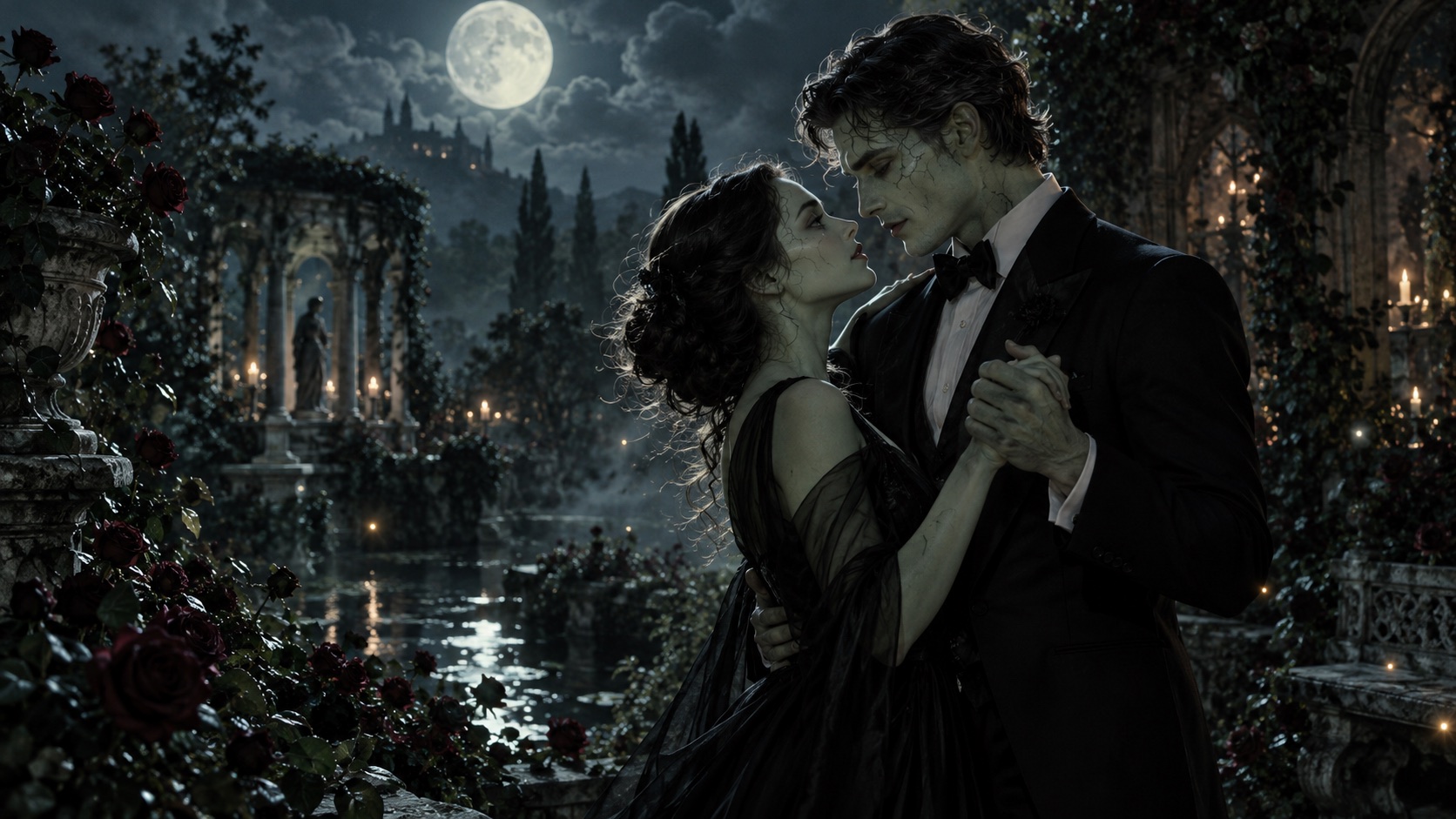
A useful zombie love video prompt describes two recognizable characters, one small action, one setting, and one camera movement. For a short clip, a hand offered or a shared glance is a clearer brief than an entire relationship story.
The studio defaults to two authorized adult photo references, a zombie-role choice, and a scene template. You can keep the supplied direction or add an optional advanced prompt. Text-only mode remains available. The full recipes below are written for that text-only mode; in photo mode, borrow their action, setting, and mood while keeping your chosen photo roles consistent. They are not tested performance benchmarks or promises of a particular result. The artwork on this website is AI-generated concept imagery; it is not evidence that a prompt produced an identical video.
A simple structure for text-only mode
Write your scene in this order:
- Characters: two adult fictional zombies, with distinct clothes or silhouettes.
- Action: one shared action that fits the selected clip duration.
- Setting: one location with a few important details.
- Camera: a fixed shot or one slow movement.
- Mood: the lighting, emotional tone, and degree of stylization.
For example: “Two adult zombie lovers, one in a burgundy coat and one in a faded ivory dress, stand beside a moonlit greenhouse. One gently offers the other a red rose. Medium two-shot, slow push in, soft blue moonlight, tender gothic romance, non-graphic.”
Current requests create a 5-second scene. Keep one action and one location; do not expect a full encounter, embrace, and flashback from one short clip. Check the resolution and displayed credit cost before submitting. Two-photo references are subject to model checks and do not guarantee an exact likeness.
1. A rose after midnight
Two adult fictional zombie lovers stand face to face in a moonlit garden. The character in a burgundy coat slowly offers a single red rose to the character in an ivory dress. Both remain in frame. Medium two-shot, gentle push in, blue moonlight and warm lantern glow, tender gothic romance, stylized undead makeup, non-graphic.
Why try it: one prop provides a clear point of interaction. If hands become distorted, replace the handover with both characters looking down at a rose already resting between them.
2. The last dance
Two adult zombie lovers in faded formal clothes gently sway together in an abandoned ballroom. Their feet remain mostly still while their shoulders turn slightly toward each other. Wide two-shot, locked camera, dusty window light, drifting particles, melancholic but affectionate, non-graphic cinematic fantasy.
Keep it manageable: ask for a small sway before attempting a full dance, spin, or complex footwork.
3. A date at the end of the world
Two adult zombie lovers sit side by side at a quiet rooftop table overlooking an overgrown city. They slowly turn toward each other and smile. A small candle flickers between two untouched cups. Medium two-shot, fixed camera, dusk light, romantic post-apocalyptic atmosphere, no violence or graphic wounds.
Composition tip: a seated scene reduces the number of moving body parts. Keep the candle separate from the characters' hands.
4. Rainy reunion
An adult zombie couple stands together under one broad umbrella on an empty rain-soaked street. One character leans gently toward the other. Both faces stay visible. Medium two-shot from the front, very slow camera push in, amber streetlight reflections, soft rain, warm romantic mood, stylized non-graphic fantasy.
Simplify if needed: use a fixed camera and lighter rain if the umbrella or faces change shape.
5. The wedding that waited
Two adult fictional zombies in vintage wedding clothes stand beneath an ivy-covered stone arch. They share a quiet glance while a veil moves softly in the breeze. Waist-up two-shot, locked camera, pale dawn light, faded roses, intimate gothic romance, no gore, no other characters.
Avoid overcrowding: save guests, moving bouquets, and elaborate camera orbits for separate experiments.
6. A love letter in the ruins
Two adult zombie lovers sit on a stone bench beside an abandoned conservatory. One holds a folded letter while the other rests their head gently on a shoulder. Medium two-shot, slight push in, green ivy and warm sunset light, wistful romantic fantasy, non-graphic.
Text caution: the letter is a visual prop. If you need readable words, add them later in an external video editor.
Fix the brief before adding detail
| If the result has this issue | Try this change | | -------------------------------- | ---------------------------------------------------------------------------- | | One character disappears | State “both characters remain visible in a medium two-shot.” | | Hands or bodies merge | Separate the characters and replace an embrace with a glance. | | Faces drift during motion | Reduce head movement and use a fixed camera. | | The mood becomes too frightening | Ask for stylized undead makeup, tender expressions, and a non-graphic scene. | | Too many things happen | Keep one action and one location; remove scene changes. | | Words look distorted | Remove text from the generated scene and add a caption afterward. |
These are prompt-writing suggestions, not guaranteed fixes. Generated anatomy, identity, and motion can still vary. Change one element at a time so you can understand what influenced the next result; a new generation uses the credit amount shown in the studio.
Before you share
Watch the whole clip and check both characters, their hands, clothing, background objects, and any accidental text. Treat the output as a fictional AI creation and label it appropriately when a platform or context calls for it. Use characters and material you have permission to use. Commercial suitability depends on the applicable model terms and the content itself.
Browse the scene templates, read the two-photo couple video workflow, or choose credits before creating. If your account is ready, open the studio and choose photo references or text-only mode.