Skip to content
Zombie Love AI
AI VIDEO STUDIO · FOR LOVE THAT NEVER DIES

Love never dies.
Now make it
a movie.

Turn two individual photos into a 10-second zombie love story. Choose one zombie or two, pick a scene, and bring your story to life. Preparing is free.

Try one 480p, 10-second video for $3.90. Preparing your scene is free.

01Prepare a scene02Choose credits03Generate your video
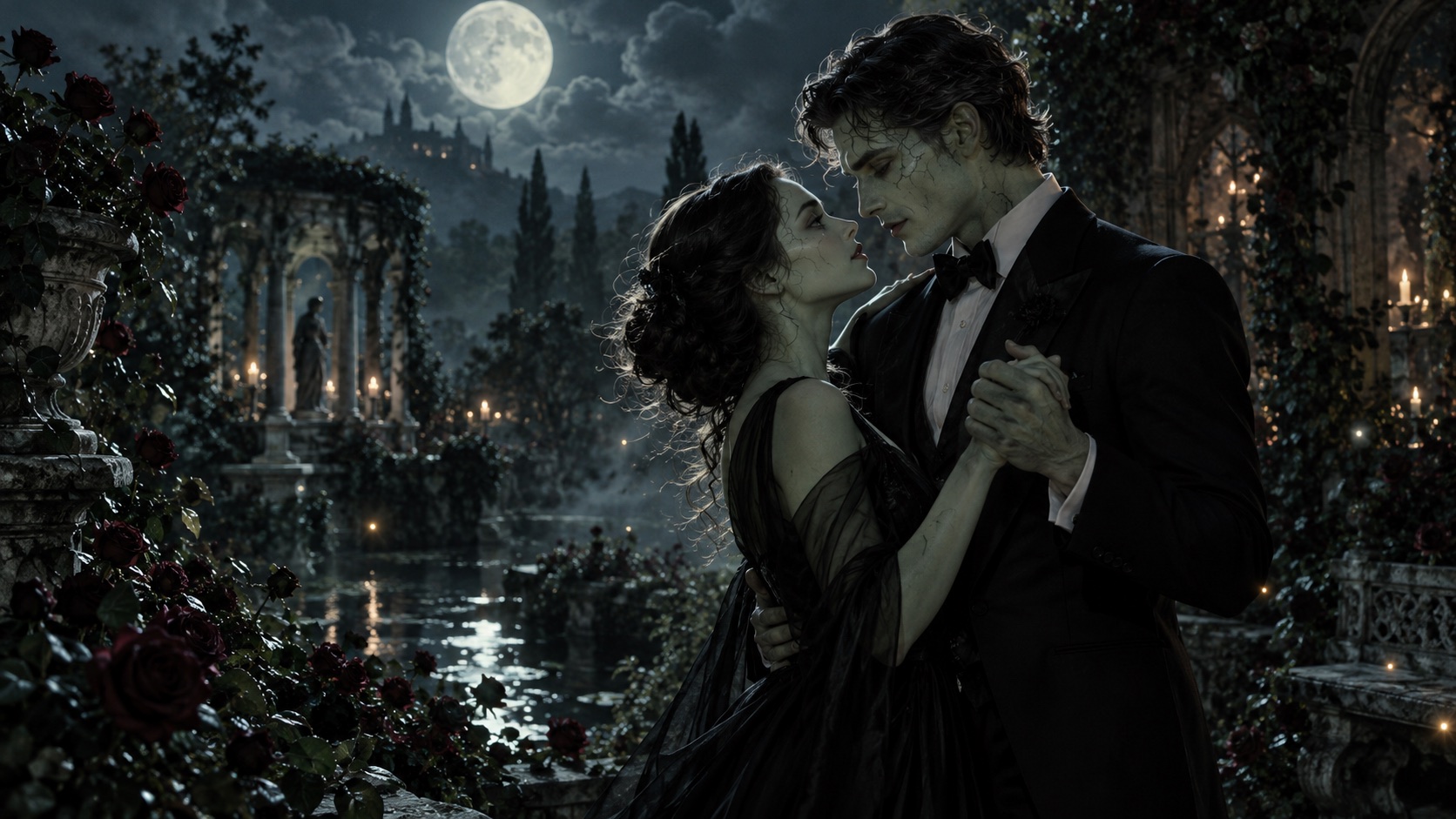
A fictional adult zombie couple slow dancing in a moonlit rose gardenAI CONCEPT ARTSCENE / 001
THE MOONLIT WALTZ COLLECTION

Till death. And then some.

TWO PHOTOS TO VIDEOZOMBIE COUPLE STORIESCINEMATIC TEMPLATES10-SECOND STORIES
REAL OUTPUTS

Watch real generated videos.

Compare the two original photos with each finished video. Review the settings, measured wait, and visible limitations.

Moonlit Waltz · two photos to video

Original input photos
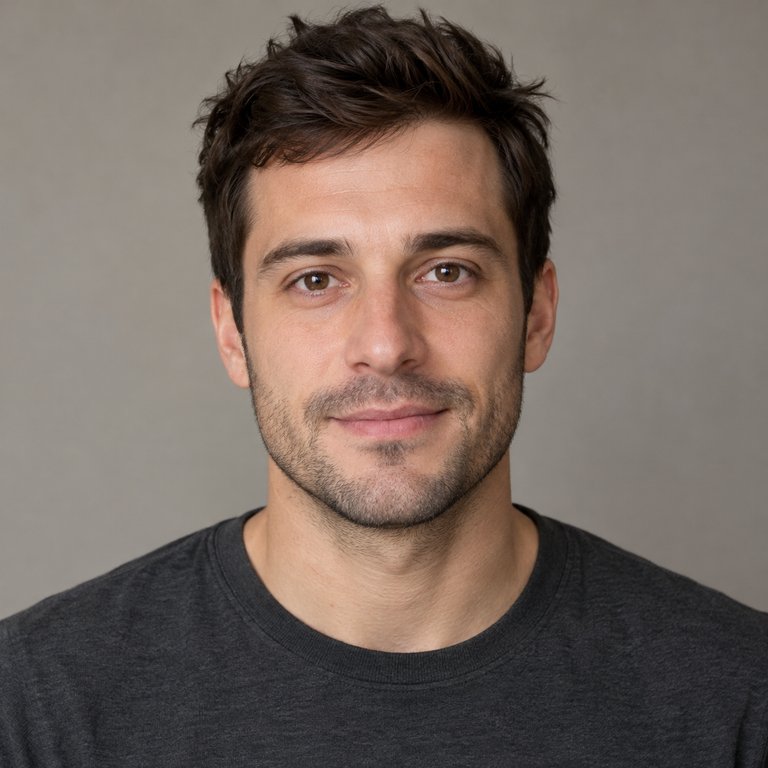
Original portrait of a fictional adult man, age 30
AI-created fictional adult
Original portrait of a fictional adult woman, age 30
AI-created fictional adult

Actual generated video

What to notice: The sampled frames show clear grey-green skin, deep eye sockets, and cracked, gaunt makeup on the woman, while the man remains human as requested. The opening background change is obvious; later frames favor side profiles and turning to hold hands rather than a complete dance. Heavy makeup reduces the woman's resemblance to her original portrait. Requested 480p; actual output is 904×452, 10 seconds. Review: 20 frames at 0.5-second intervals; continuous motion and audio were not fully reviewed.

Generation details
Generated at
2026-10-15 22:52:12 UTC
Video generation time
89 s
Output format
10 s · 480p · 2:1

Neon Afterlife · two photos to video

Original input photos
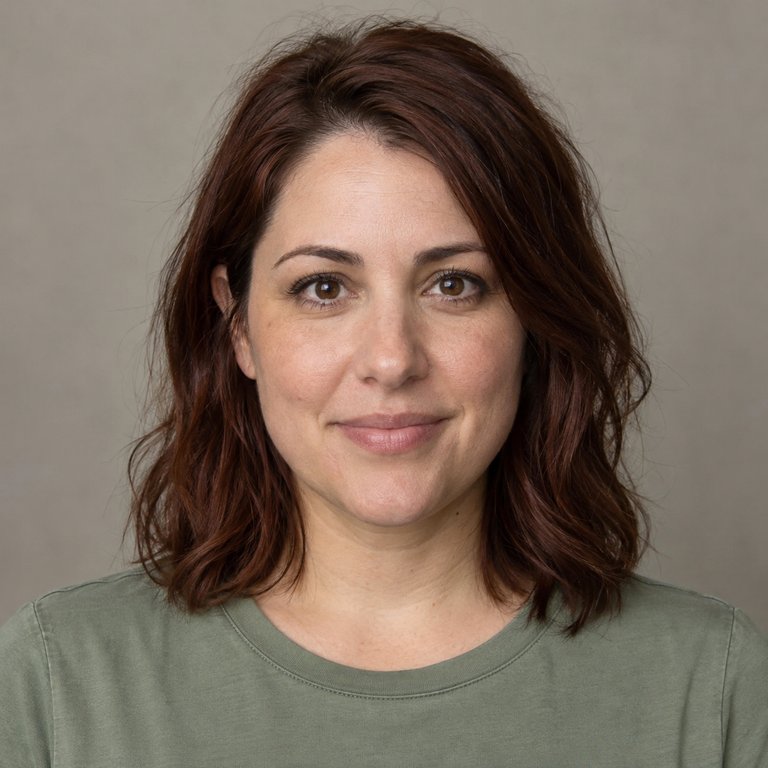
Original portrait of a fictional adult man, age 30
AI-created fictional adult
Original portrait of a fictional adult woman, age 30
AI-created fictional adult

Actual generated video

What to notice: The sampled frames show clearly visible grey-green skin, deep dark eye sockets, and cracked makeup texture, with both faces still recognizable. The opening retains the original portraits, and later frames favor side profiles. Requested 480p; actual output is 904×452, 10 seconds. Review: 20 frames at 0.5-second intervals; continuous motion and audio were not fully reviewed.

Generation details
Generated at
2026-10-15 22:49:14 UTC
Video generation time
83 s
Output format
10 s · 480p · 2:1

Forever After · two photos to video

Original input photos

Original portrait of a fictional adult man, age 30
AI-created fictional adult
Original portrait of a fictional adult woman, age 30
AI-created fictional adult

Actual generated video

What to notice: The sampled frames show pronounced gaunt grey-green skin, deep eye sockets, and dry cracked makeup on both people as they hold hands and bring their foreheads close. The opening transition is abrupt, and many frames show side profiles. Heavy makeup obscures the original faces; facial likeness is not guaranteed. Requested 480p; actual output is 904×452, 10 seconds. Review: 20 frames at 0.5-second intervals; continuous motion and audio were not fully reviewed.

Generation details
Generated at
2026-10-15 22:52:44 UTC
Video generation time
98 s
Output format
10 s · 480p · 2:1

These are selected photo-to-video examples, not a guarantee. Face likeness, zombie styling, motion, and generation times vary between runs.

A LOVE STORY FOR EVERY AFTERLIFE

A little spooky. A lot of chemistry.

Choose a scene and add one clear portrait of each consenting adult. Choose either person or both for the zombie look.

Explore all templates

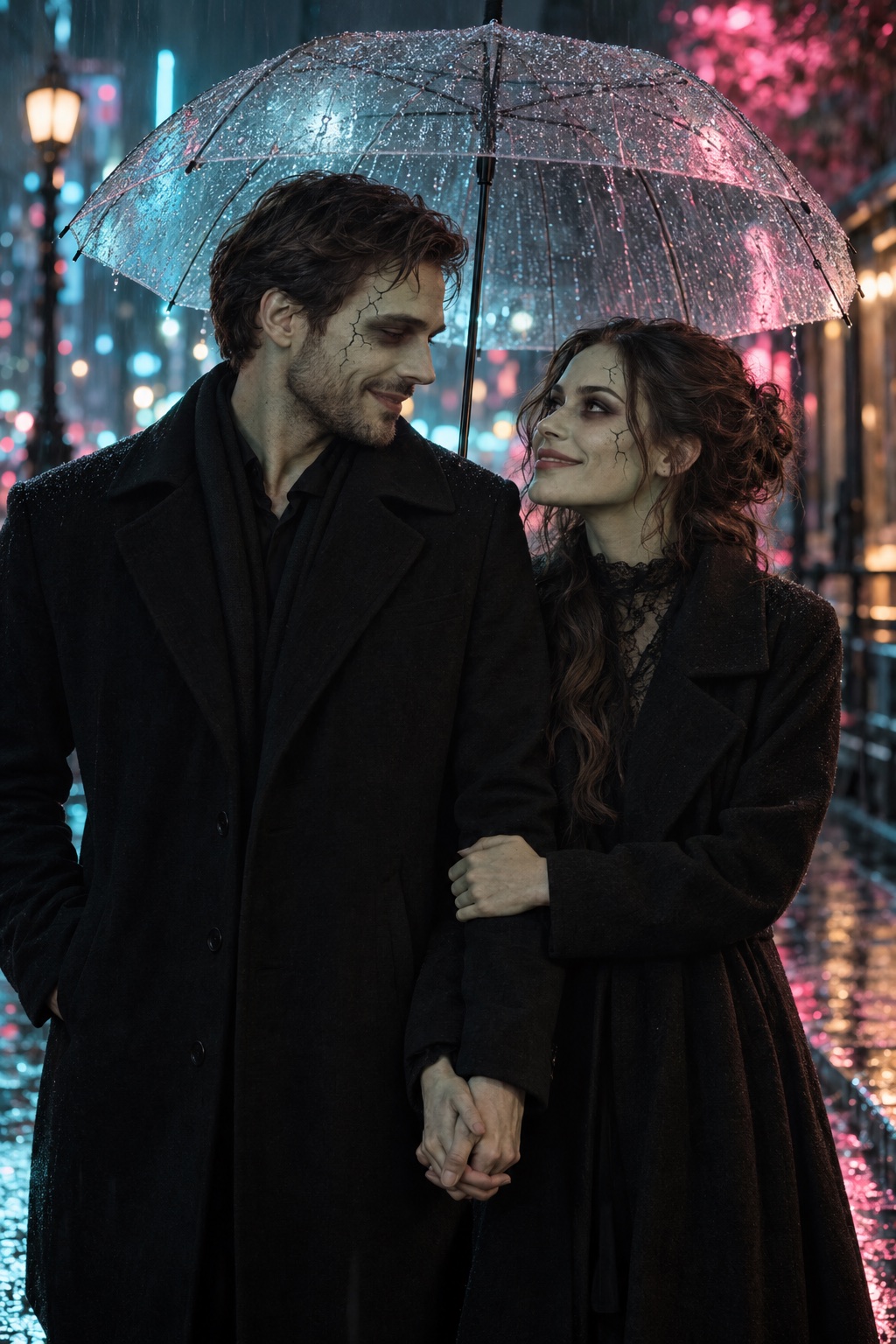
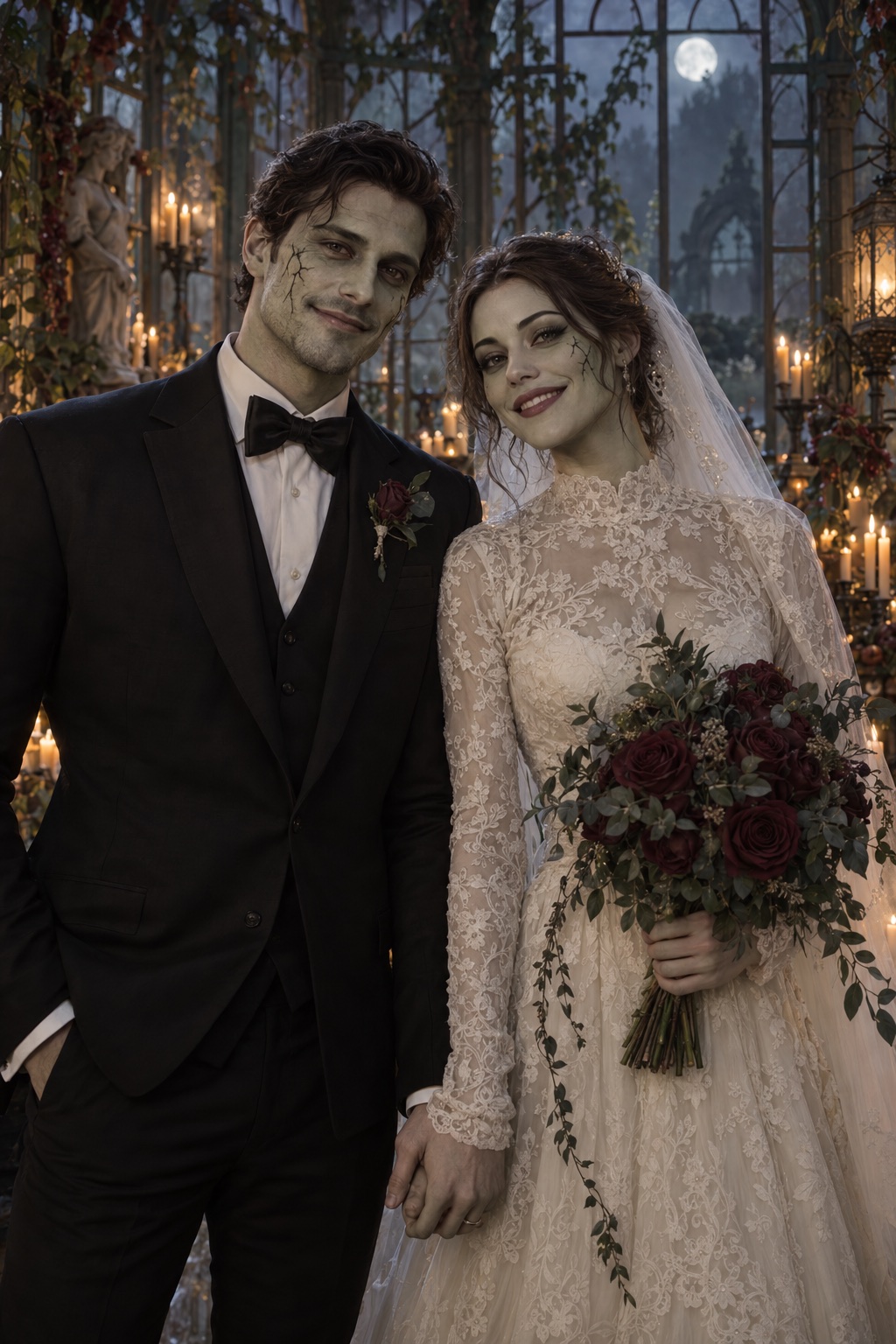
AI-generated concept stills for inspiration. These are not sample video outputs; your generated result will vary.

FROM AN IDEA TO YOUR FIRST SCENE

Your story starts in three steps.

Read the creation guide
ACT 01

Prepare your scene for free

Add two individual adult photos with permission, then choose the zombie roles and scene. Preparing these settings is free. Videos use a fixed 2:1 landscape format.

ACT 02

Choose a single-video pack

When you are ready, get 20 credits for $3.90: one 480p, 10-second video. Create an account or log in and confirm your purchase.

ACT 03

Bring your scene to life

Review your photos, settings, and cost, then start. Video generation begins after content checks. Follow progress and download your result. Faces and motion can vary.

Two fictional adult zombie lovers under neon city lights
TWO HEARTS. ONE OTHERWORLDLY STORY.

For the beautifully undead.

A rain-soaked reunion. A midnight slow dance. A wedding that outlives forever. This is a creative space for zombie couple stories with heart.

  • Two portraits. One shared scene.
  • Romance first. No graphic gore.
  • Built for short, shareable stories
Explore zombie couple video AI

AI CONCEPT ART

BEFORE YOUR FIRST SCENE

Curious? Naturally.

A few things to know before bringing your story to life.

What is Zombie Love Video AI?

Zombie Love AI creates 10-second zombie romance videos from two individual adult photos. Choose person 1, person 2, or both for the zombie look, then select a scene.

Can I use photos of myself and my partner?

Yes. Upload one clear individual photo of each adult and confirm both have agreed to this use. Videos are fixed 2:1 landscape at 480p, 720p, or 1080p. Faces and positions may drift; content checks can reject a request.

Can I explore the templates for free?

Yes. Browse templates and prepare your two photos, roles, and scene settings for free. You can add optional scene details. The total generation cost is shown before submission.

Which previews are actual video results?

Template images are labeled AI concept art. Playable examples disclose their actual inputs, generation steps, settings, and visible limitations. Check each example’s details; a selected result does not guarantee yours.

What happens if generation fails?

Failed or canceled tasks return their reserved credits. A pending task stays in your video history so you can check its status. Credit returns are different from cash refunds.

Every love story deserves a sequel.

Prepare two photos and your scene for free. Choose credits when you are ready to generate.

Prepare my scene